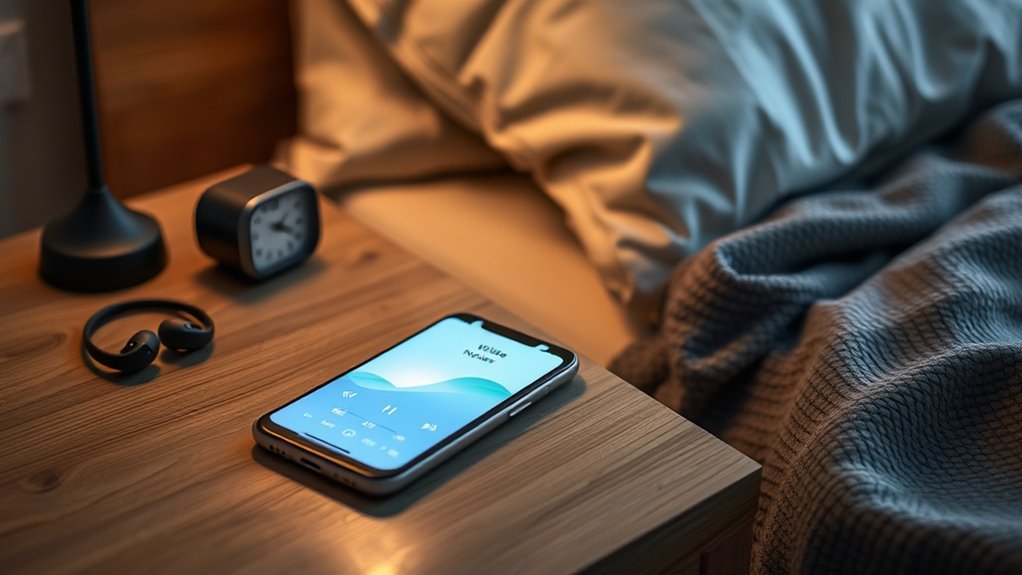

To safely enjoy white noise apps, choose child-friendly or parental-controlled versions with minimal permissions. Check app settings and privacy policies before use, and limit access to sensitive features. Set boundaries for screen time and supervise your child’s use to prevent distractions or accidental purchases. Regularly review permissions and update software to keep devices secure. By following these steps, you can create a calming environment while protecting privacy—more tips await if you continue exploring.
Key Takeaways
- Choose reputable, kid-friendly white noise apps with privacy policies and minimal permissions.
- Set time limits and supervision to prevent overuse and avoid dependency on noise for sleep.
- Review app permissions regularly, ensuring access is limited to necessary features only.
- Prefer paid or ad-free versions to reduce distractions and protect privacy.
- Use device parental controls and separate profiles to restrict access to settings and sensitive information.
White noise apps have become popular tools for improving sleep, focus, and relaxation. They offer a simple way to mask disruptive sounds and create a calming environment. But as you explore these apps, it’s important to prioritize safety, especially if you plan to use them with children or on shared devices. Child safety is a key concern, and you should always check the app’s features to verify it’s suitable for young users. Many apps include parental controls or kid-friendly modes, which can prevent accidental purchases or access to inappropriate content. Additionally, you’ll want to review the app permissions before downloading. Some apps request access to your microphone, camera, location, or contacts, which might seem unnecessary for a white noise generator. Be wary of apps that ask for excessive permissions, as these could compromise your privacy or security. Stick with reputable apps that only require permissions essential for their core functions, like playing sounds or adjusting volume.
When choosing a white noise app, take a moment to read reviews and verify its privacy policy. This helps you understand what data the app collects and how it’s used. Many free apps monetize through ads or data collection, which can be intrusive or pose privacy risks. Opt for apps that are transparent about their data practices and offer ad-free or paid versions if you prefer a distraction-free experience. For children, it’s especially important to select apps that comply with privacy regulations and don’t share data with third parties. Always supervise children’s use of these apps to ensure they don’t accidentally access settings or features meant for older users. Additionally, considering free floating sound options can help create a more natural and unobtrusive background noise environment.
To use white noise apps safely, set clear boundaries for usage time, especially for kids. Limit screen time to avoid overexposure and potential dependency on noise apps for falling asleep. Also, keep your device’s software updated, since updates often include security patches that protect against vulnerabilities. When you install a new app, consider creating a separate user profile or using parental controls to restrict access to other apps or settings. This way, you can prevent accidental changes or access to sensitive information. Remember, the goal is to enjoy the benefits of white noise without risking your privacy or safety. By paying attention to app permissions, child safety features, and setting boundaries, you can create a secure environment that maximizes relaxation and focus while minimizing distractions or potential hazards.
child-friendly white noise app with parental controls
As an affiliate, we earn on qualifying purchases.
As an affiliate, we earn on qualifying purchases.
Frequently Asked Questions
Are There Any Health Risks Associated With Prolonged White Noise Exposure?
Prolonged white noise exposure can pose health risks, especially if you’re sensitive to noise. Long-term exposure might lead to noise sensitivity, making everyday sounds feel overwhelming or irritating. While most people are safe using white noise apps in moderation, it is crucial to listen to your body. If you notice discomfort or increased sensitivity, cut back and consult a healthcare professional to prevent potential issues.
Can White Noise Apps Cause Hearing Damage Over Time?
White noise apps generally won’t cause hearing damage if you use them responsibly. To stay safe, keep your device at a moderate volume, especially during noise therapy sessions, and make sure it’s compatible with your hearing needs. Prolonged exposure to loud sounds from any device can harm your ears over time, so always listen at a comfortable level and take breaks. Proper device use helps you enjoy the benefits without risking damage.
How Do I Select the Safest Volume Levels for White Noise?
Did you know that listening at high volumes for just 15 minutes can damage your hearing? To select the safest volume levels, start by adjusting your app settings to a low or moderate level, and gradually increase if needed. Use the volume adjustment slider to keep sound comfortable and avoid loud peaks. Always keep the volume below 60% to protect your hearing over time.
Are There Specific Age Groups More Vulnerable to White Noise Effects?
You should be aware that young children and older adults are more vulnerable to white noise effects due to developmental vulnerabilities and sensitivity differences. Children’s developing ears and brains can be more easily affected by high volumes or prolonged exposure, potentially impacting hearing and concentration. Older adults may also experience increased sensitivity, making it essential to observe volume levels carefully. Always adjust settings based on age and individual sensitivity to ensure safe use.
What Features Should I Look for to Ensure Safe White Noise App Use?
To guarantee safe white noise app use, look for features like app customization and user controls. These let you adjust volume levels easily and set timers to prevent prolonged exposure. Choose apps that offer clear, user-friendly controls, so you can tailor the sound environment to your comfort without risking distraction or hearing issues. Prioritize apps with these features to enjoy benefits safely and maintain control over your listening experience.
ad-free white noise generator for sleep
As an affiliate, we earn on qualifying purchases.
As an affiliate, we earn on qualifying purchases.
Conclusion
By following these tips, you can enjoy the calming benefits of white noise apps without falling into distraction. Remember to set boundaries, choose the right sounds, and keep your device at a safe volume. Isn’t it better to find peace without sacrificing focus or sleep? With mindful use, you can harness the soothing power of white noise safely, making it a helpful tool rather than a distraction in your daily routine.
white noise app with privacy protection
As an affiliate, we earn on qualifying purchases.
As an affiliate, we earn on qualifying purchases.
As an affiliate, we earn on qualifying purchases.